Install on Shopify
On Shopify, EasyCoupon is an app: install it, choose a plan and switch it on in your theme with one toggle. No separate account is needed; it opens inside your Shopify admin.
1. Install the app
- Open EasyCoupon in the Shopify App Store and install it on your store.
- The app opens inside the Shopify admin. The first time you see the Choose a plan page: click Choose a plan and approve the plan on Shopify’s page. Your 30-day trial starts here.
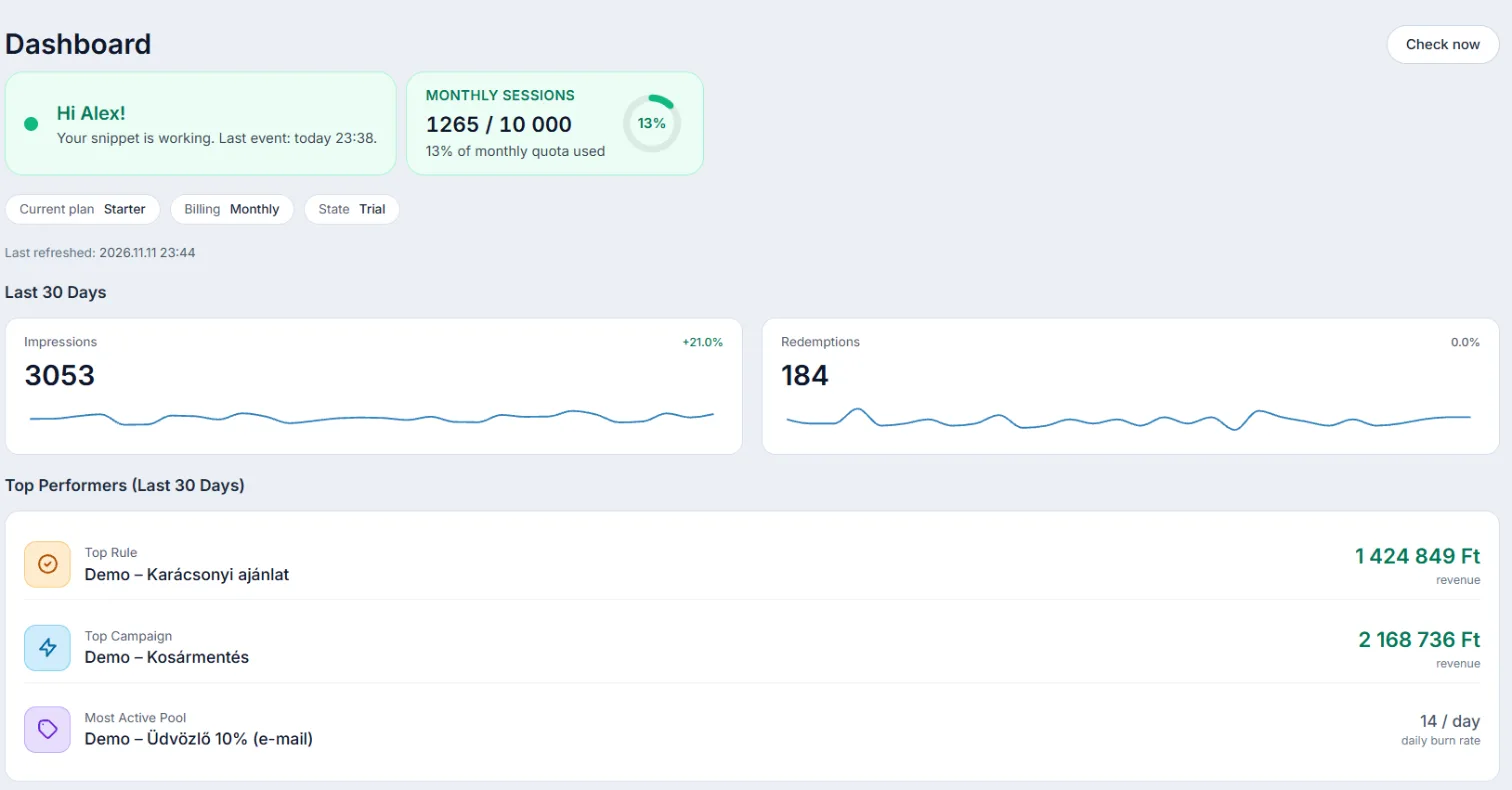
- After approval Shopify takes you back to the app and the Dashboard opens.
2. Switch it on in your theme
- In the left menu open Billing, then its Setup tab.
- On the Storefront card click Enable in theme editor.
- In the theme editor switch on the EasyCoupon app embed (if it is not on yet), then click Save.
3. Check it works
Browse a few pages of your storefront. Within a few minutes the Storefront card shows that events are arriving, and the Dashboard tells you when the last event came in.
What happens behind the scenes?
- Every coupon pool gets one Shopify discount holding unique codes; draft campaigns create no codes.
- At checkout the code is already applied, the shopper does not have to type it.
- Shopify reports the order back, so the redeemed code and the revenue show in your reports.