Plan, trial and monthly limit
Plans differ only in monthly unique visitors; every feature is on every plan. Prices are on the Pricing page.
What counts as a visitor?
One unique session in a calendar month of your shop’s time zone: the same browser counts once a month, however many pages it views. The count starts again on the first day of each month. Shopify theme editor previews do not count.
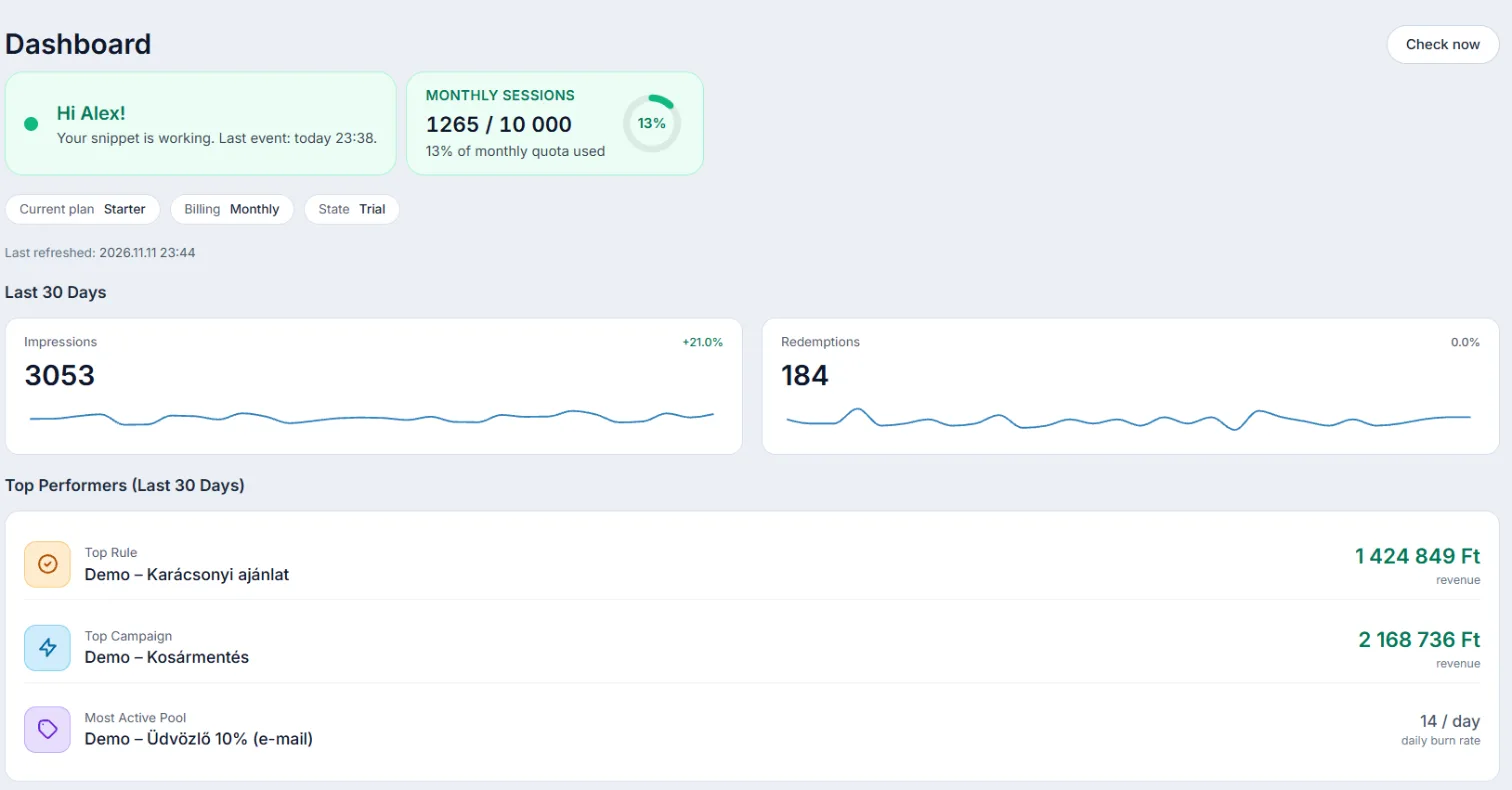
The Monthly sessions meter on the Dashboard shows your usage.
80% and reaching the limit
- At 80% the owners and the contact email get an email.
- We also email you when the limit is reached. Offers then stop showing until the month ends; your store keeps working as usual.
- After an upgrade, offers come back within half an hour.
Changing plans and billing
- Shopify: the fee appears on your Shopify bill. On the Billing page, Change plan takes you to Shopify’s plan page; to cancel, uninstall the app.
- Shoprenter: choose on the Plans tab of the Billing page; payment goes through Stripe. An upgrade applies at once and the difference is charged pro rata; a downgrade takes effect at the end of the billing period. You can cancel anytime: your plan stays until the end of the paid period. To undo a cancellation, select your plan again and click Keep this plan.
Free plan
The Free plan has every feature for up to 2,000 unique visitors a month. On Shopify you can choose it on Shopify’s plan page. On Shoprenter your shop moves to it when the trial or subscription ends (you cancelled, or the payment failed), so offers keep running and your settings stay. You can choose a paid plan again at any time on the Billing page.