Widget designer
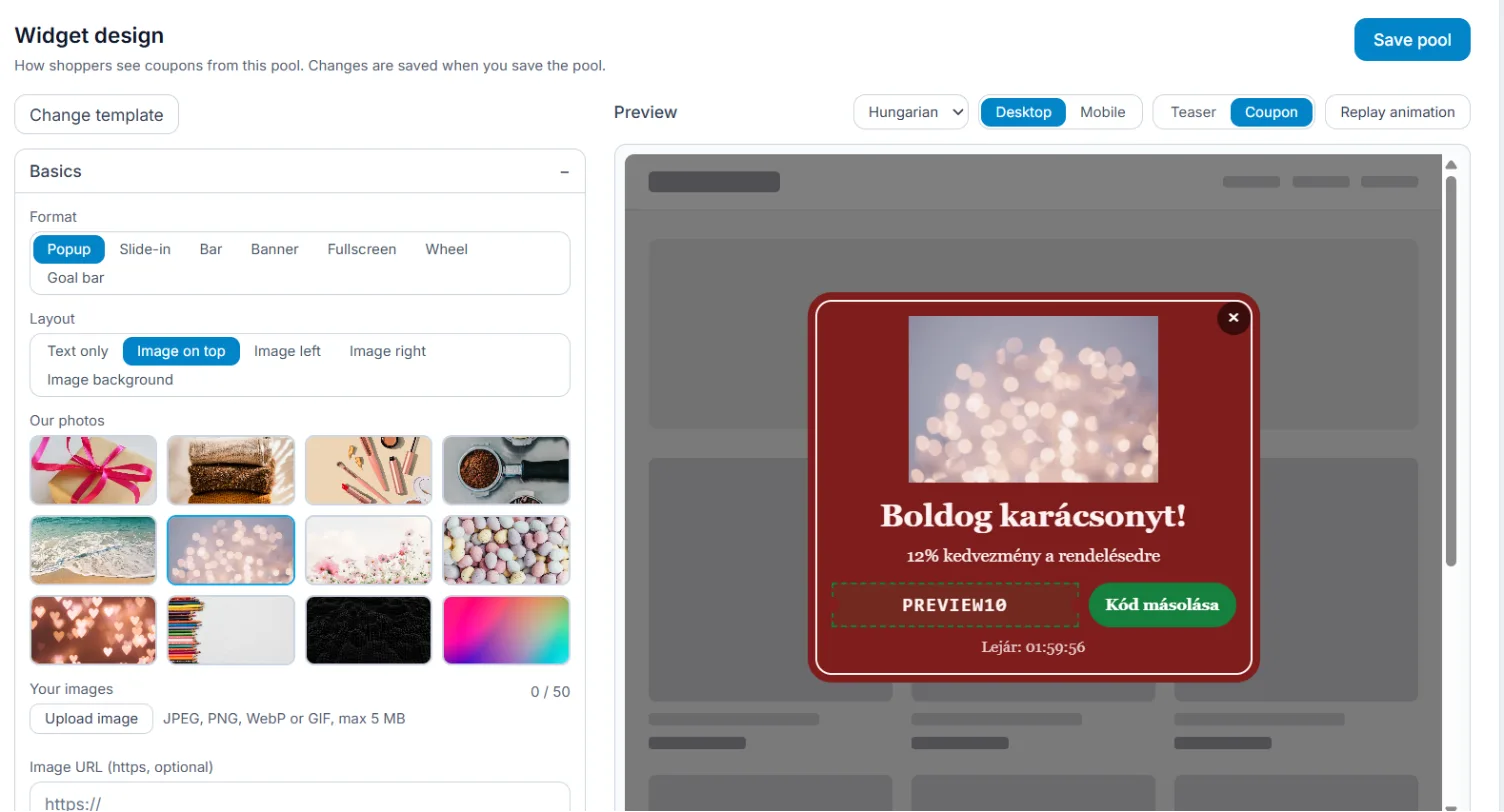
On a coupon pool’s Appearance tab you set how shoppers see the offer. Every change shows at once in the live preview.
Start from a template
Change template opens the gallery: filter by format, goal, season and style. A template is only a starting point; you can change everything after. The gallery templates are also on the Templates page.
The settings
- Basics: format (popup, slide-in, bar, banner, fullscreen, wheel, goal bar), layout, image.
- Texts: headline, body, button. Left empty, the built-in text shows in the shopper’s language.
- Code and button, Frame, size and backdrop, Typography, Animation and close.
- Countdown: the code really expires when the countdown ends.
- Teaser: a small button the visitor uses to open the offer when they want it.
- Email capture: see Email capture.
Your own image
Pick one of the built-in photos or use Upload image: JPEG, PNG, WebP or GIF, up to 5 MB, at most 50 images per shop. Uploads are converted to WebP.
Phone view
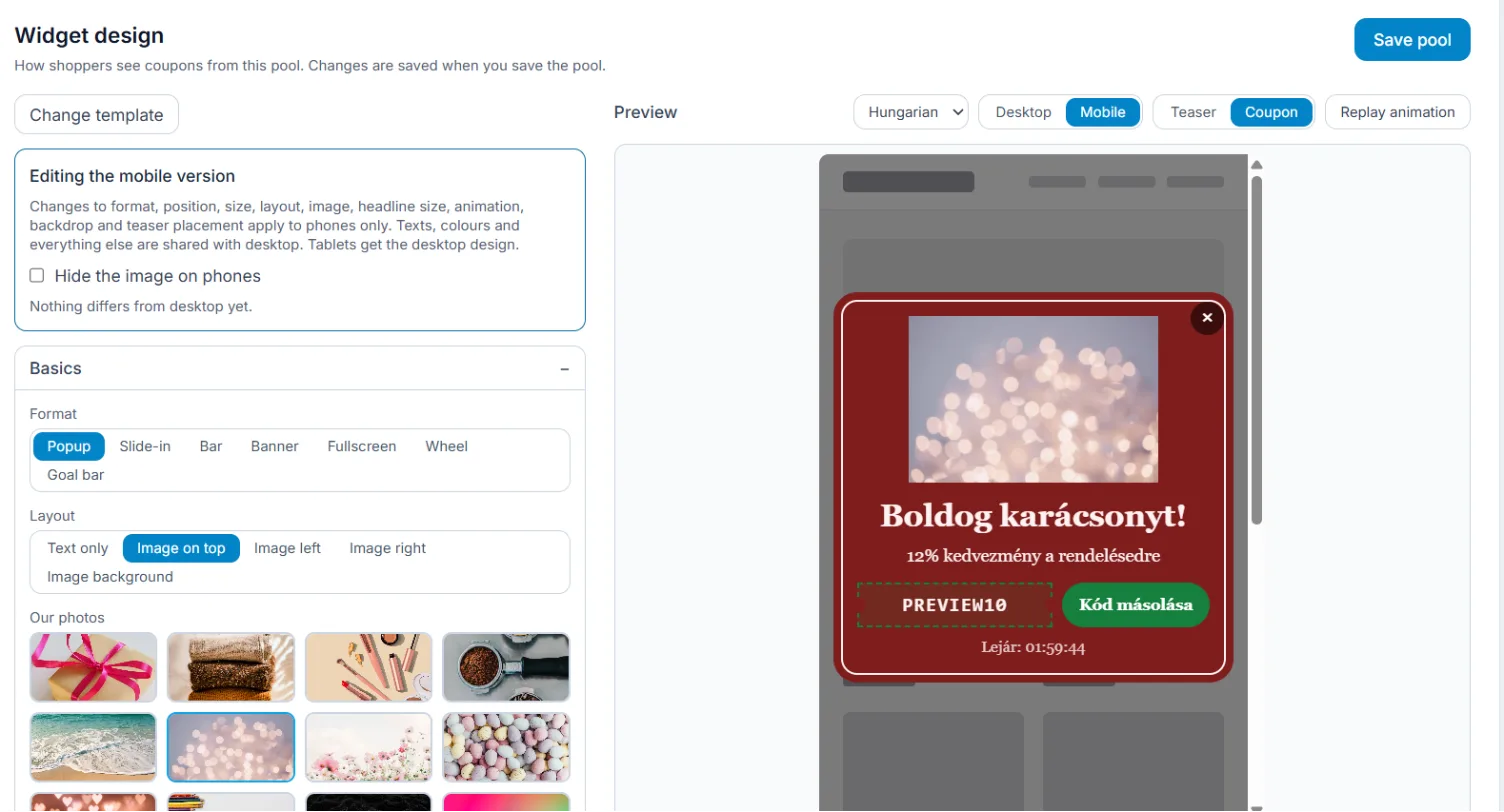
Above the Preview switch between Desktop and Mobile. In the mobile view your changes apply on phones only, for example a smaller font or another position; everything else comes from the desktop design. Tablets get the desktop design.
Remember: the design is saved with Save pool.