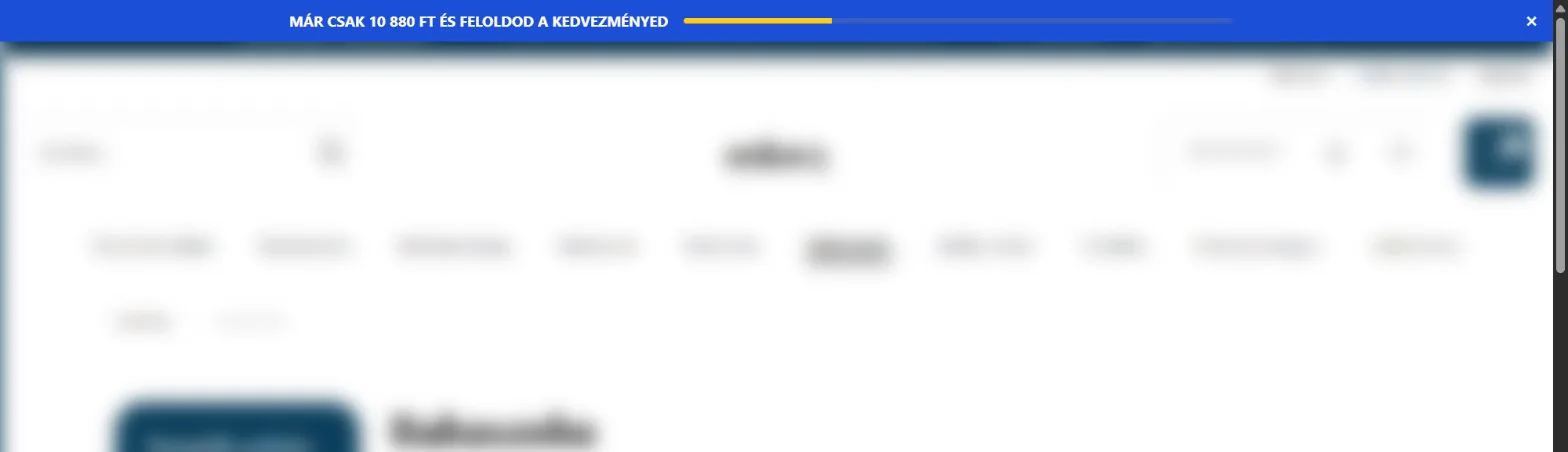
Cart goal bar
The goal bar shows at the top of your storefront how much is still missing to reach a cart total. When the cart reaches it, the bar reveals a coupon – or just says the goal is reached.
Two kinds
- With a coupon (Type: Coupon): when the goal is reached the bar shows the coupon. The pool’s minimum order amount follows the goal.
- Message only (Type: Message only): no codes, for example “Only 4 500 Ft more for free shipping” – for your store’s own free-shipping rule.
Setting it up
- Create a pool with the right Type and, on the Appearance tab, choose the Goal bar format.
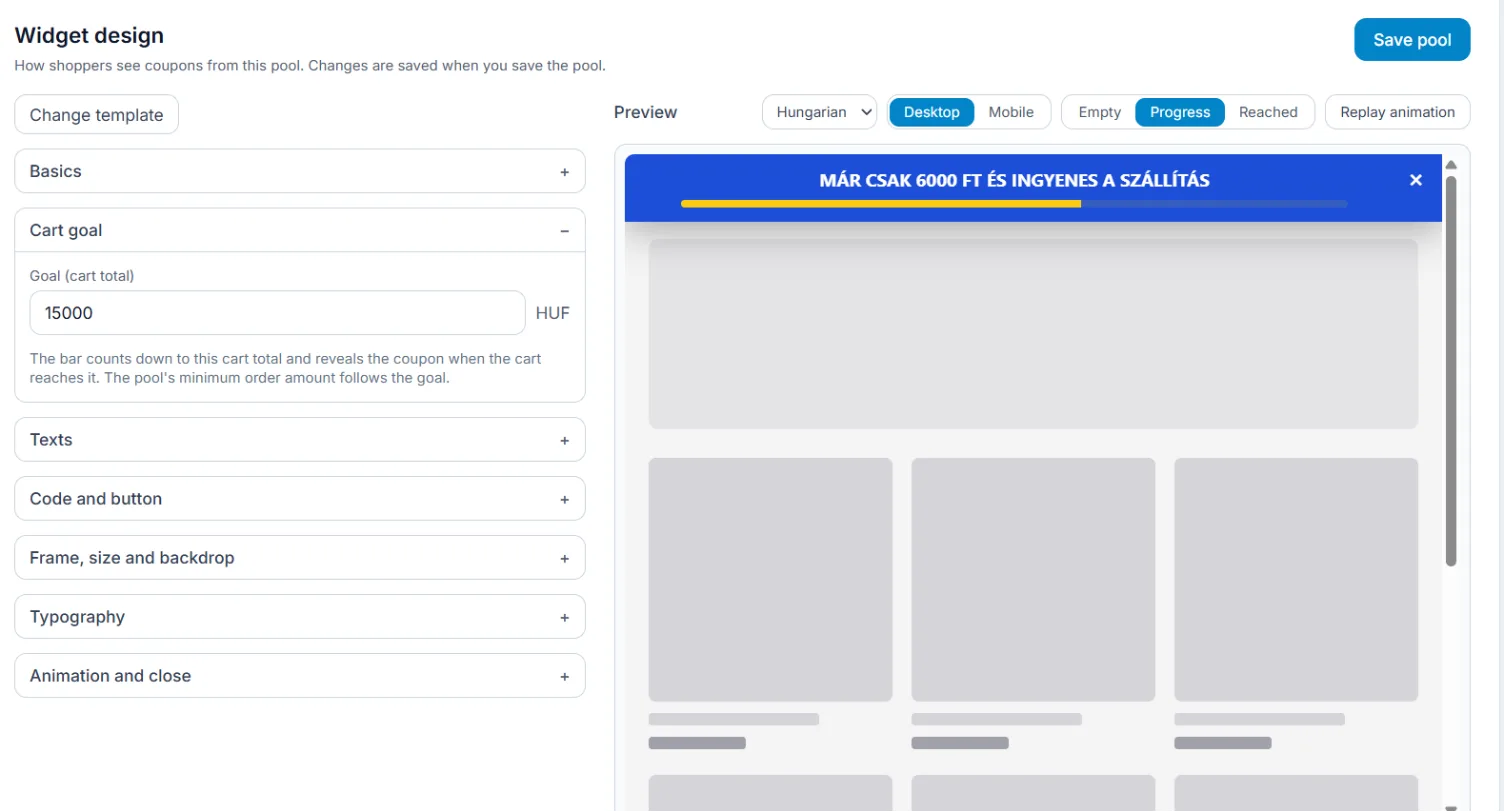
- In the Cart goal section set the Goal (cart total) in your shop’s currency.
- Leave the texts empty (the built-in text then shows in the shopper’s language) or write your own for the empty, in-progress and reached states.
- Save and give the pool to a rule.
How it follows the cart
The bar updates on every cart change (on Shoprenter and on Shopify), without a page reload. Reaching the goal is logged once, and the coupon is issued the first time the goal is reached.