Display limits
Limits hold an offer back even when the rule’s conditions are met – so a returning visitor does not get the same popup on every page.
The settings
In the rule’s Display limits section, per rule:
- After the visitor closes it, wait – 7 days by default.
- Show in at most … visits – off by default.
- After the visitor got a code from any rule, pause – 30 days by default; this counts codes from any rule, not just this one.
- Skip visitors who ordered in the last … days – off by default.
- Skip visitors who already subscribed through our email form – off by default.
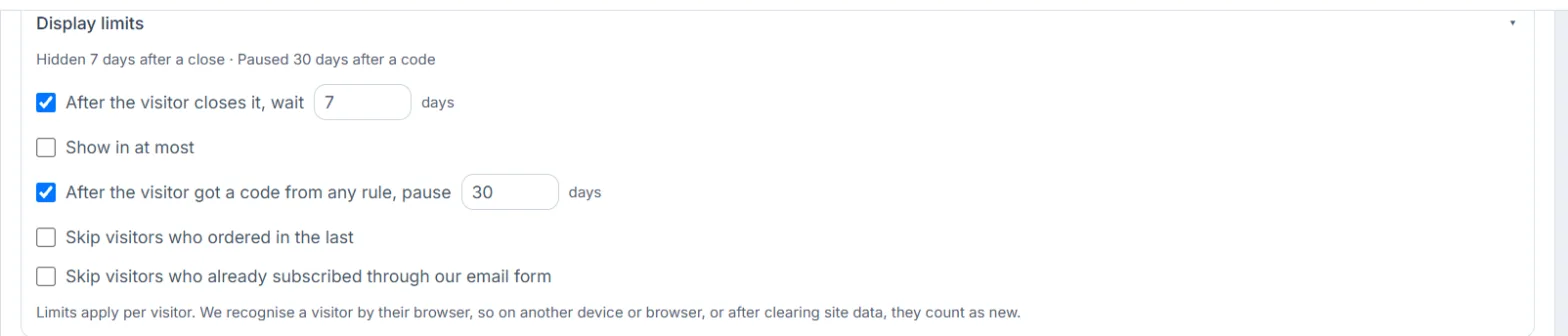
The section header sums up what is on in one line (for example “Hidden 7 days after a close · Paused 30 days after a code”). If you switch everything off, the offer shows whenever the conditions match.
Who counts as one visitor?
Limits apply per visitor. We recognise a visitor by their browser, so on another device or browser, or after clearing site data, they count as new.